♦ 🐆 2 min, 🐌 4 min
Analytics with vanilla JS: page view duration
Third post in series: Analytics with vanilla JSPage view duration is essential in determining whether our users read the content of our article or not.To determine the time of user page visit, we need to detect two events:- page view start time:
t_page_opened - page view end time:
t_page_closed
Request page, close page
We first cover the case of page view duration, which is the easiest to measure.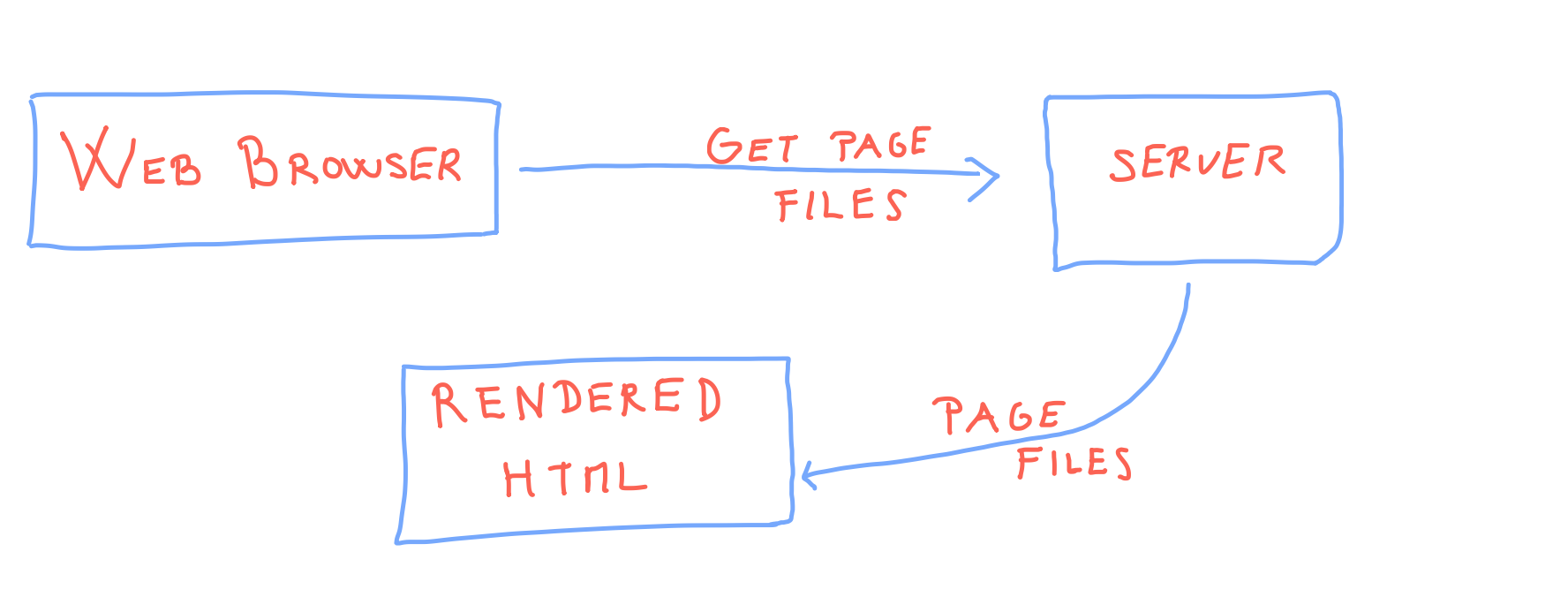
onload Java Script event and determine that as the start of page visit with:window.onload = function () {
t_page_opened = new Date();
};
beforeunload event by adding the event listener:window.addEventListener("beforeunload", leftWebSite);
leftWebSite function then get's the time stamp when user left the page:function leftWebSite() {
const t_page_closed = new Date();
const data = JSON.stringify({
"page_opened": t_page_opened,
"page_closed": t_page_closed
});
post_data(data, "define_URL");
}
t_page_opened and t_page_closed to the a prediefined URL with post_data function:function post_data(data, url) {
let xhr = new XMLHttpRequest();
xhr.open("POST", url, true);
xhr.setRequestHeader("Content-Type", "application/json");
xhr.onreadystatechange = function () {
if (xhr.readyState === 4 && xhr.status === 200) {
console.log(xhr.responseText);
}
};
xhr.send(data);
}
User leaves the web site
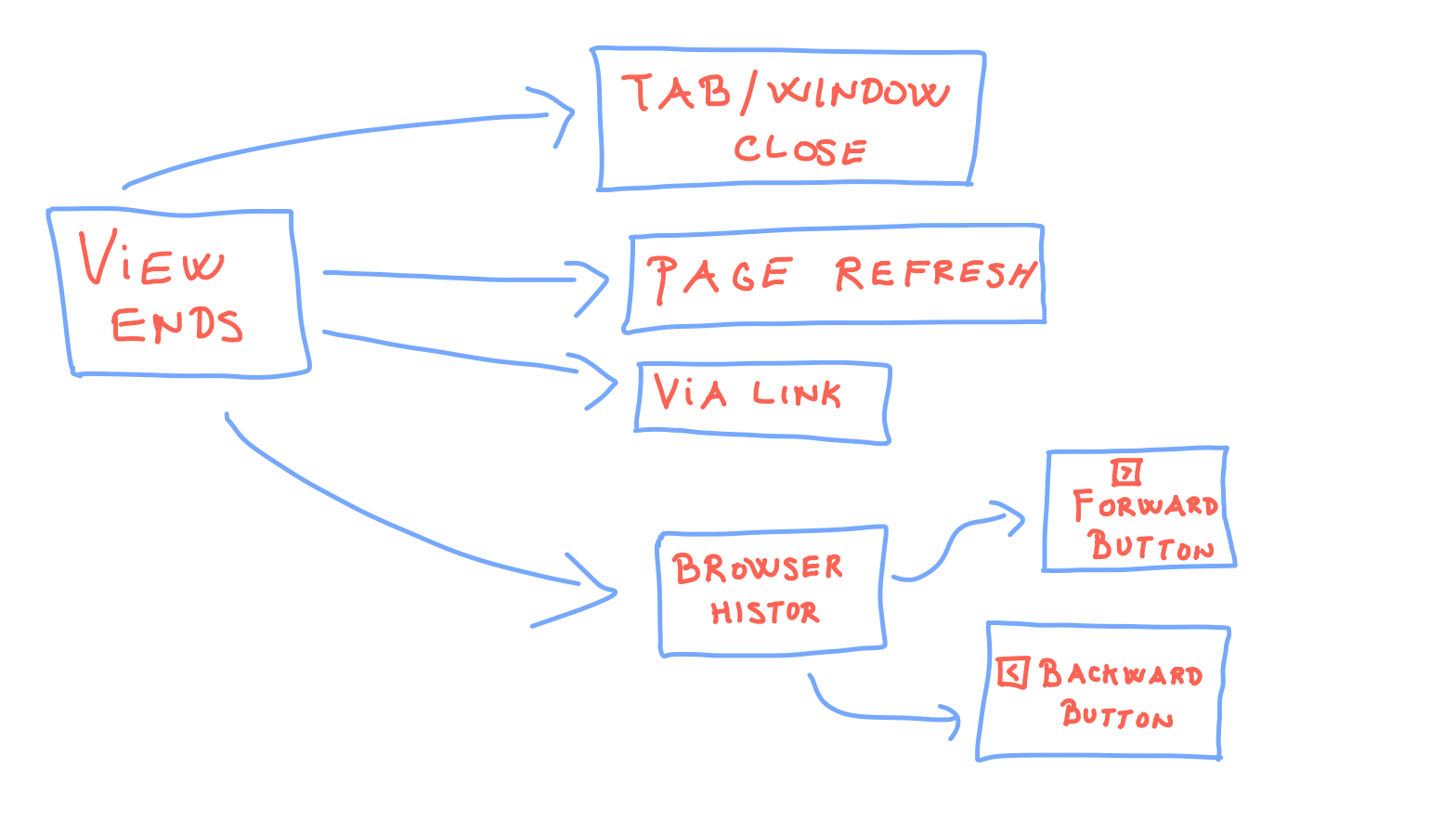
beforeunload won't get consistently triggered (from browser to browser). Let's list the cases we need to cover. When the user leaves the page via:- Browser tab/window closing: detected via
beforeunload. Solved. - internal or external link: detectable via
onclickevent - internet connection lost:
localStorage if the user didn't clean it - the user never comes back to our site: data lost- page refresh: can be detected with the help of
localStorage - page left via history back, forward button: using
pagehideevent, since pageJSwon't be re-loaded andbeforeunloadevent won't be triggered.
localStorage won't work if the user:- disabled the use of local storage,
- uses incognito browser mode.
User opens the web site
To detect if the user opened the web site is slightly easier. There are just three cases to handle: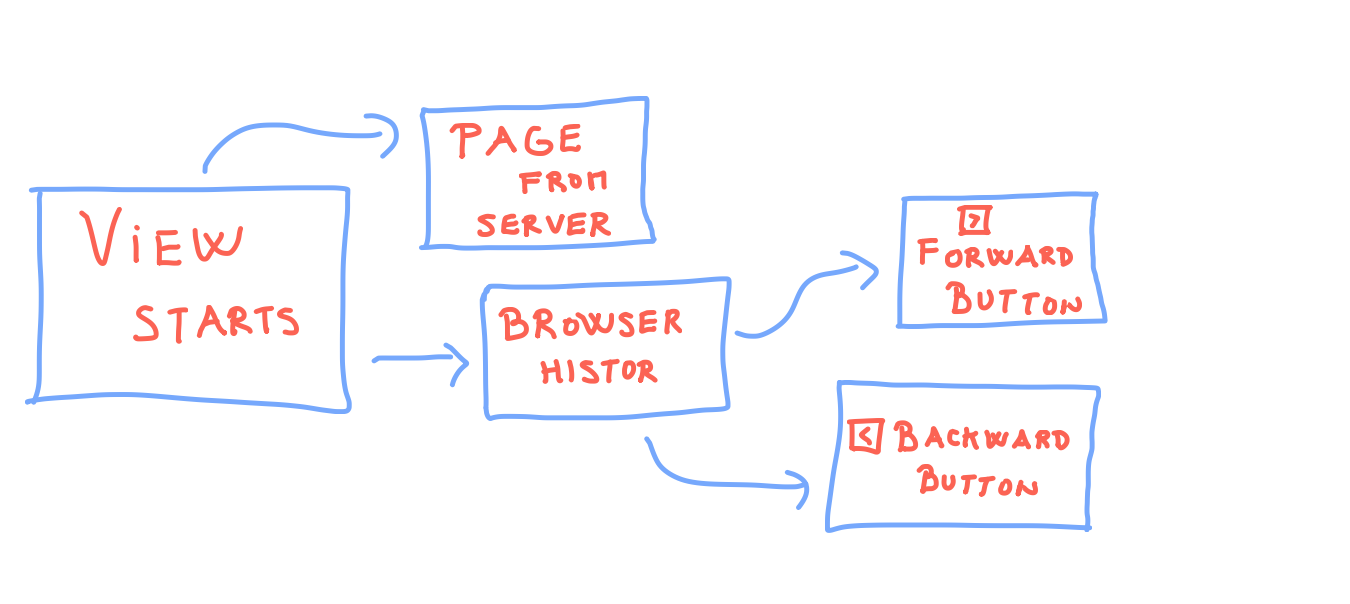
onload. To handle the page left via history back, the forward button, we again use pagehide event.Tackling edge cases
In the upcoming articles we'll cover the code needed for:- detecting: page refresh, history button clicks, internal-external links
- detection of incognito mode
- detection of internet connection loss
Get notified & read regularly 👇